Most advisers start the day with three or four tabs open: email, calendar, CRM, maybe a task list. Every switch costs a few seconds, and over a week those seconds become hours. The Intella Workspace puts it all on one screen.
What's in the Workspace
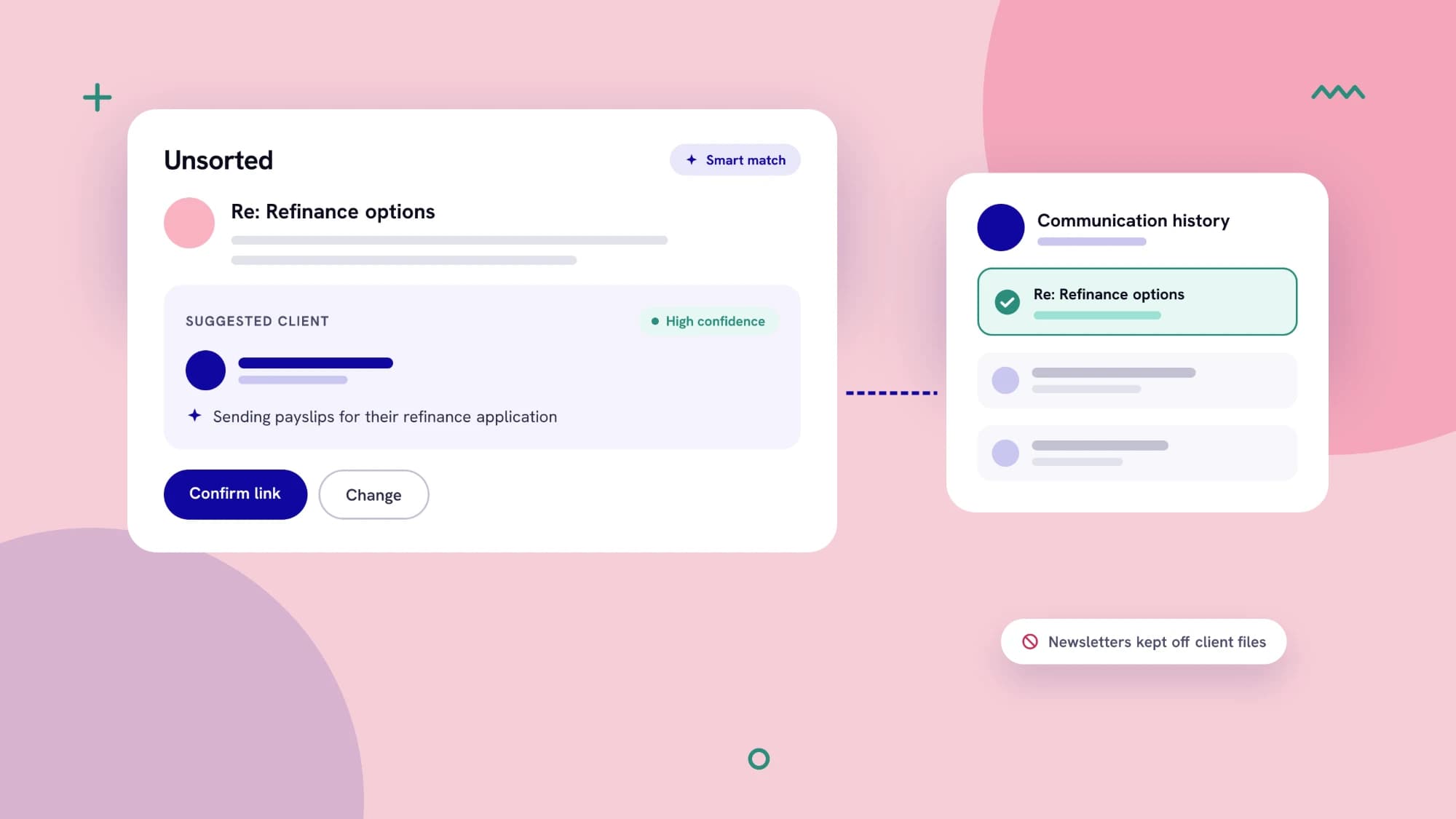
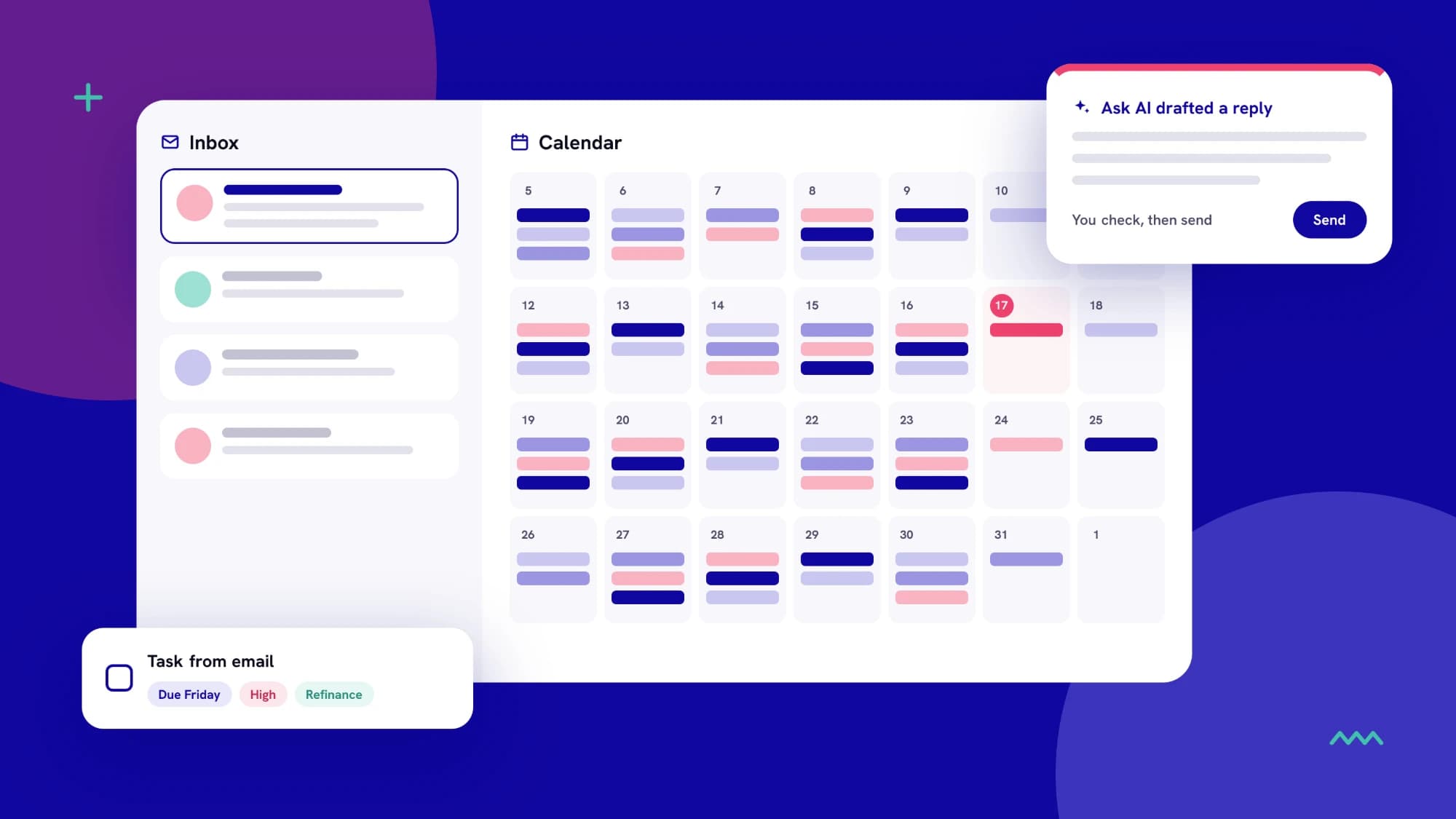
- Your inbox, inside Intella. Connect Outlook or Gmail, then read, reply to and forward client email from your own address without leaving the platform.
- Your calendar, alongside it. See appointments and key client dates together, and book, edit or cancel Outlook meetings from the same screen.
- Tasks straight from email. Turn any message into a task with a due date, priority and category, so nothing a client asks for gets lost.
- AI drafting when you want it. Ask AI drafts a reply using what's already on the client's record. You check the facts, then you send.
You stay in control
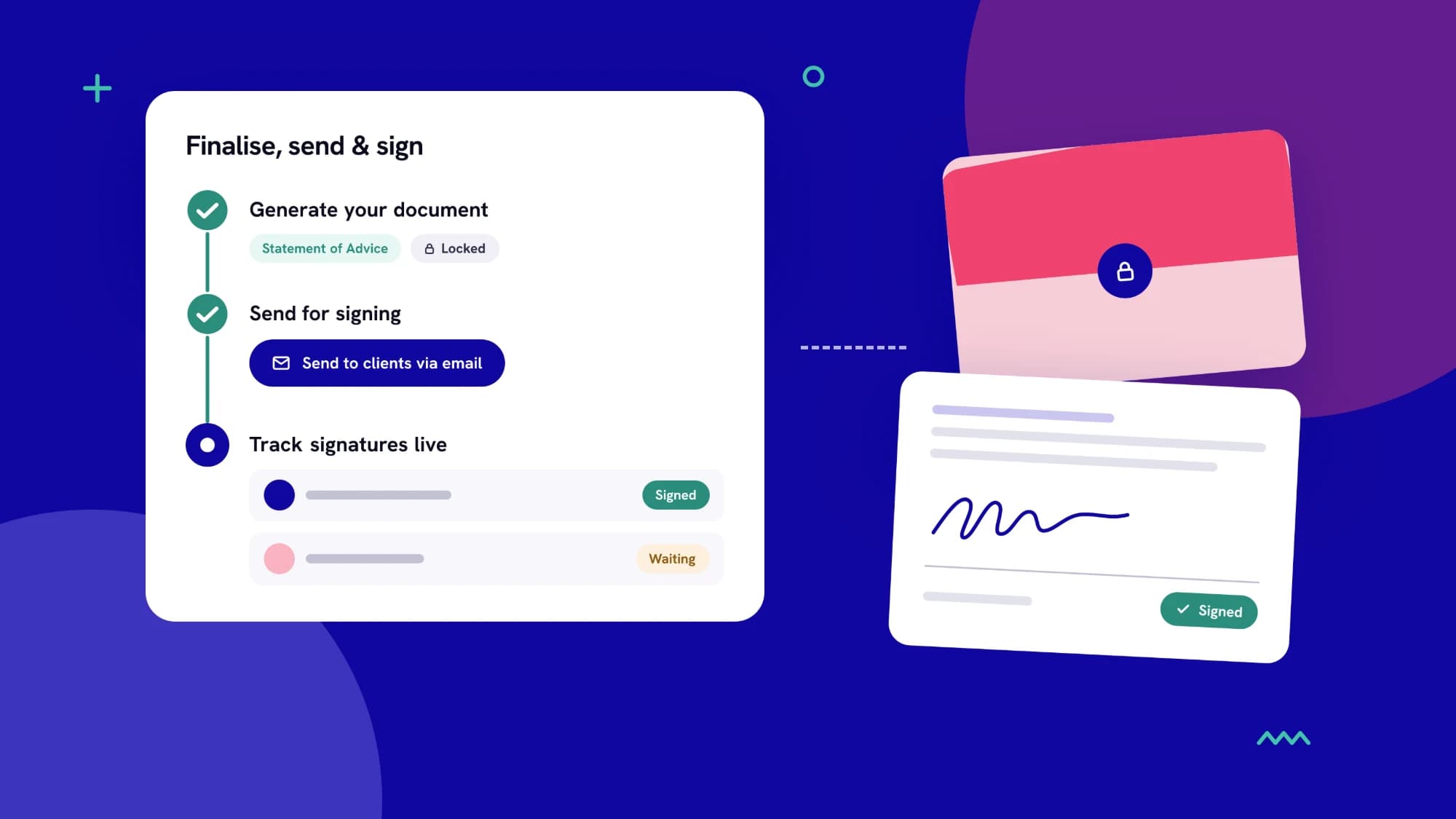
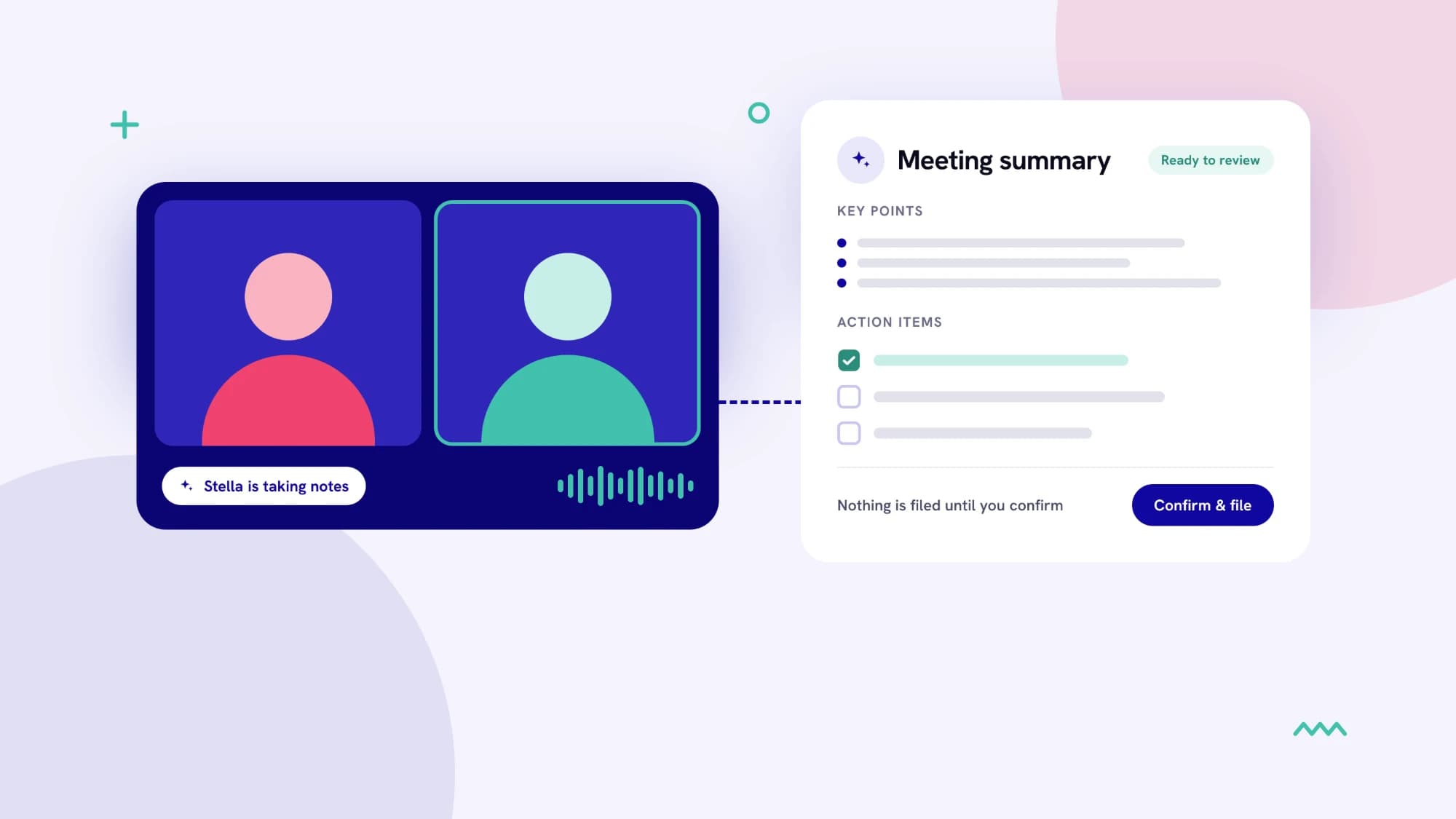
The Workspace is built around one rule: nothing is sent and nothing is filed against a client until you confirm it. You get the speed of AI with the oversight a licensed adviser needs.
Setup takes minutes. Open Workspace, choose Finish setup, connect your mailbox, and a short tour shows you around.