
In a client meeting, your attention belongs to the client, not your keyboard. Stella Notetaker means you can listen properly and still leave with complete notes.
How Stella works
- She lines up your meetings. When a client video meeting lands in your calendar, Stella picks it up automatically. For anything else, paste a Teams or Zoom link.
- Notes in minutes. About 10–20 minutes after the meeting ends, a summary and suggested action items are ready for you to review.
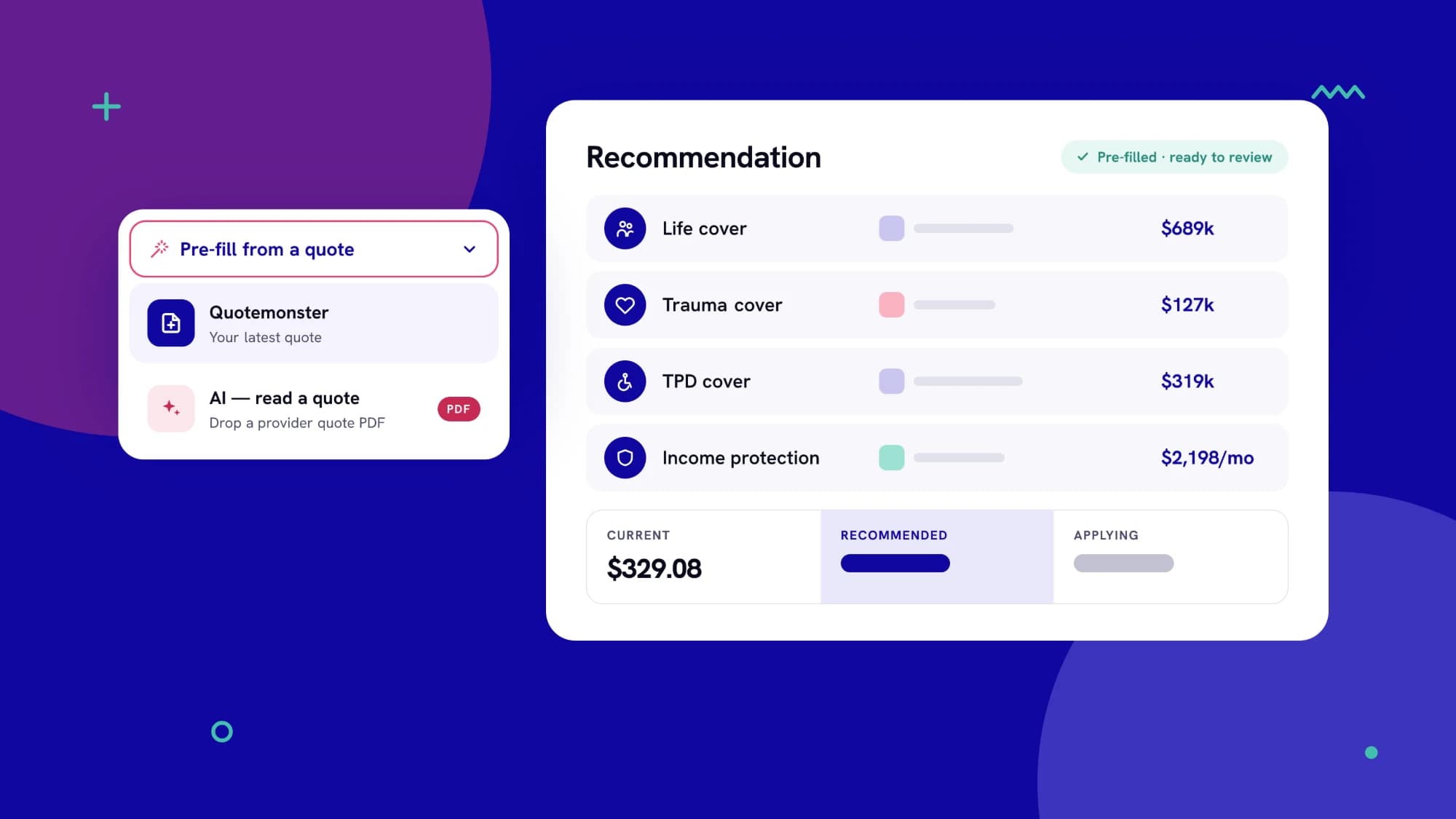
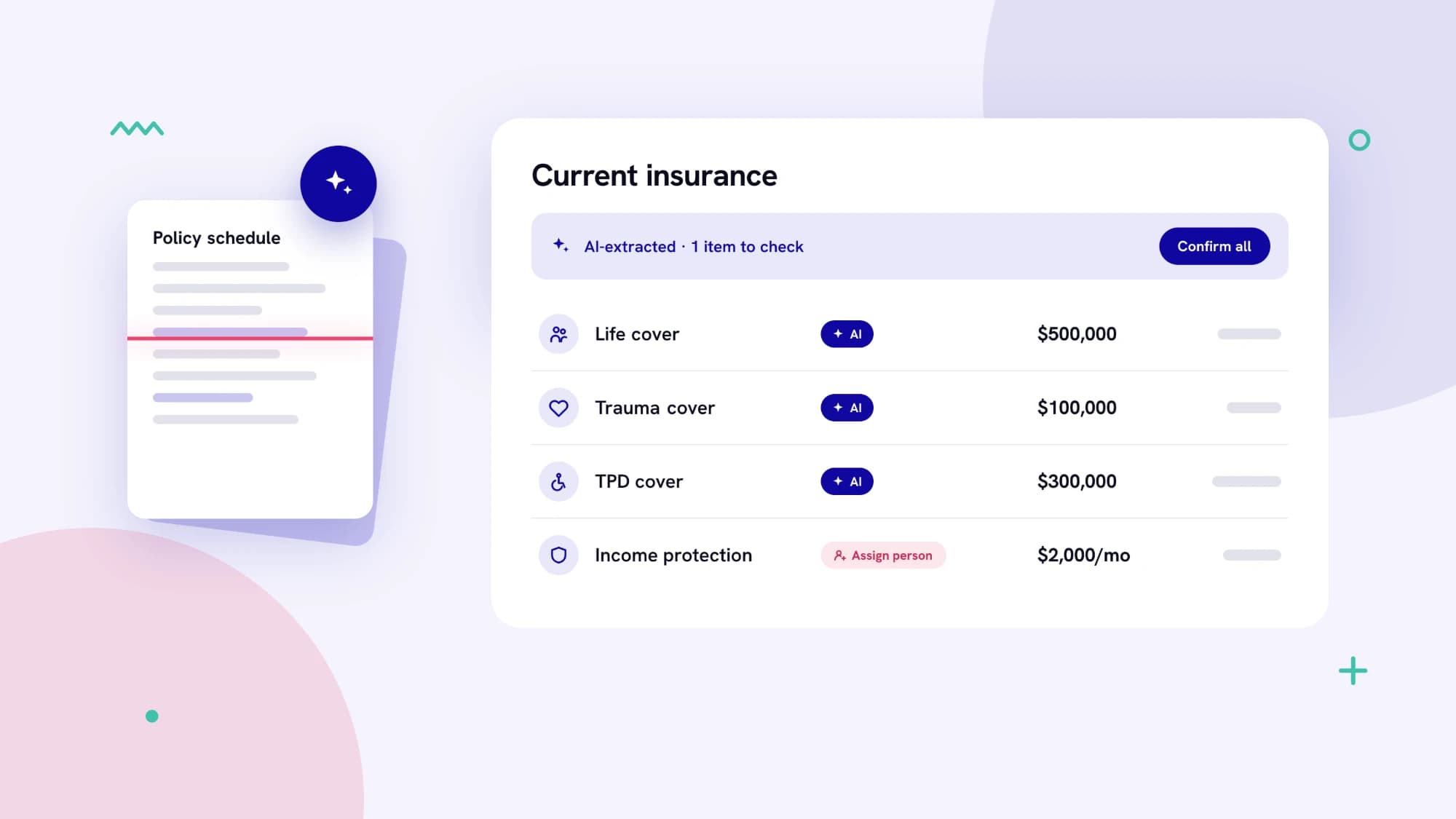
- A head start on the fact find. Ask Stella to fill in fact-find answers from what was discussed, then review every field before it saves.
You decide what's kept
- Nothing is filed and no tasks are created until you confirm.
- Confirmed summaries sit on the client's Communication History, dated to the meeting, alongside their emails.
- Skip any meeting you don't want covered.
Stella works from the meeting transcript rather than recording the call herself, and you remain responsible for telling clients a meeting is being transcribed.