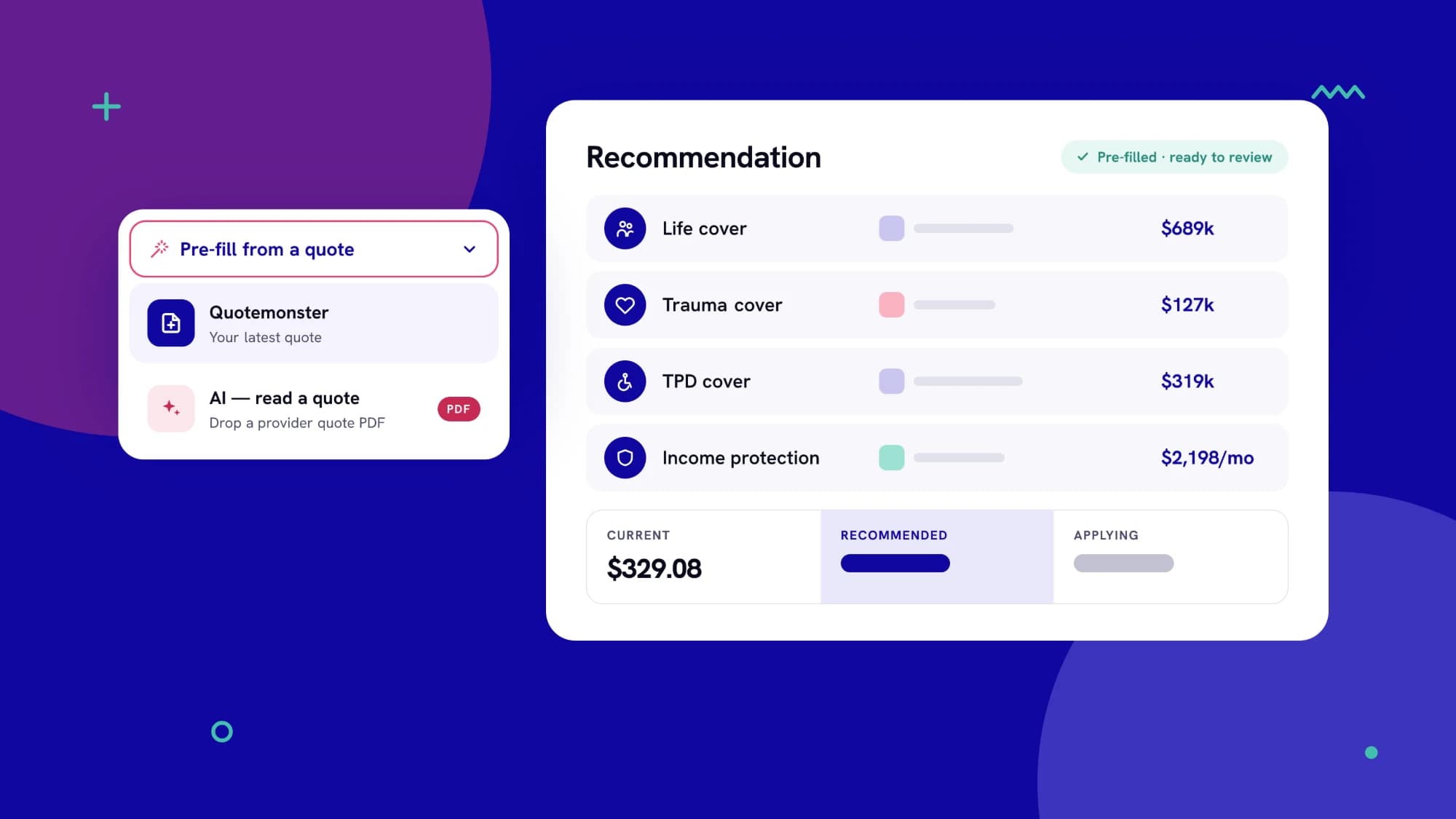
Re-typing premiums and cover amounts from a quote is slow, and every manual entry is a chance for an error to reach the client. Intella's Recommendation step removes that step.
Two ways to pre-fill
- Quotemonster. Bring in your latest Quotemonster quote directly.
- AI, read a quote. Drop in a provider's quote PDF and let AI extract the figures.
Either way, you review the figures before they're used.
Then shape the recommendation
- Assign providers and products for each cover.
- Tailor each cover: amount, structure, waiting period and excess. Anything you don't change carries over from the fact find.
- Explain your reasoning. Write a rationale for each provider, or have AI draft one for you to edit.
- Compare at a glance. Current, recommended and applying premiums sit side by side, with the monthly difference highlighted.
Faster advice, fewer transcription errors, and a clearer story for your client.